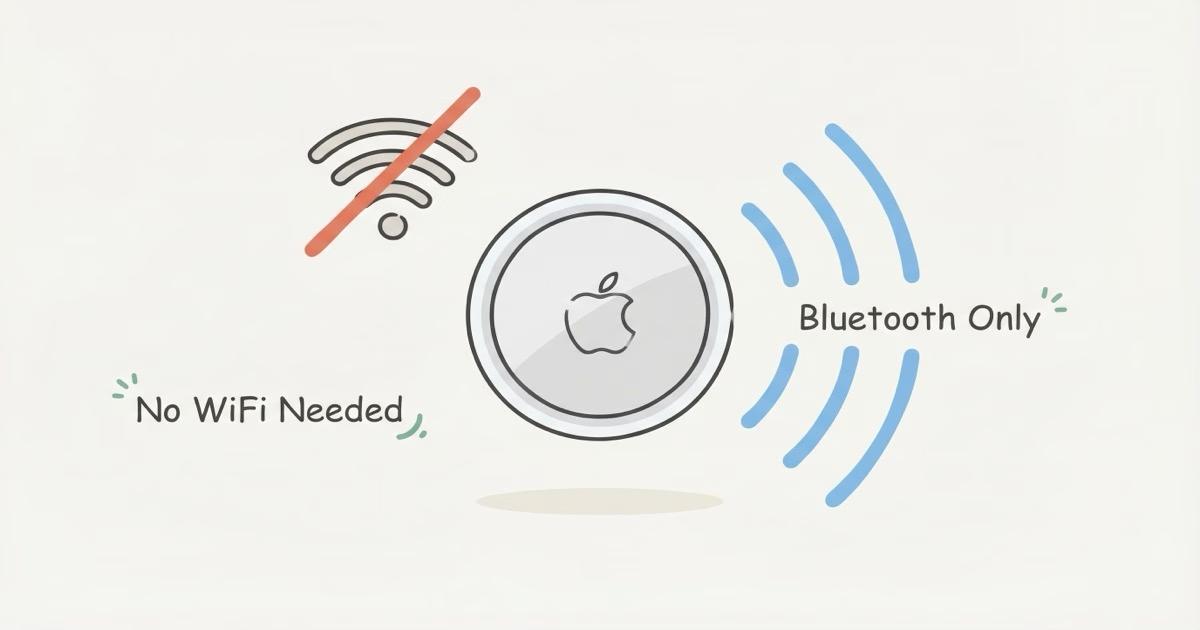
Yes. AirTags have no WiFi chip and never connect to any WiFi network. They track entirely through Bluetooth Low Energy, piggybacking on nearby iPhones to relay encrypted location data to your Find My app. Your AirTag works the same whether you have WiFi or not.
The confusion makes sense. Every other smart device in your house needs WiFi. But AirTag was designed differently. Instead of talking to your router, it piggybacks on a crowd-sourced network of over 2 billion Apple devices. No passwords to enter, no network to configure. Pair it over Bluetooth and you're done.
How AirTag Tracks Without WiFi
Bluetooth Is the Only Radio Inside
Crack open an AirTag and you'll find exactly two wireless radios: a Bluetooth 5.3 transmitter and an Ultra Wideband (UWB) U2 chip for close-range Precision Finding. That's it. No WiFi antenna, no cellular modem, no SIM slot. Apple's Find My support page confirms it relies entirely on Bluetooth to talk to the outside world. Every 2 seconds or so, the transmitter sends out a rotating, encrypted identifier at about the same power level as a wireless earbud.
The Find My Network Does the Heavy Lifting
Here's the clever part. Every iPhone, iPad, and Mac running a recent OS version acts as a silent relay station. When one of these devices passes within 30 to 100 feet of your AirTag, it picks up the Bluetooth ping, tags it with GPS coordinates, encrypts everything, and sends it to Apple's servers. The relay device's owner has no idea any of this happened. Your AirTag itself never touches the internet.
Over 2 billion Apple devices participate. Your AirTag just needs one.
Privacy matters here. Each AirTag generates rotating public-private key pairs, and only your iCloud account holds the decryption keys. The relay iPhone can't read the location data. Apple can't either. Their Find My privacy documentation spells it out: Apple has zero ability to see where any AirTag is located. That end-to-end encryption is how they got away with turning every iPhone on the planet into a tracking relay without a privacy revolt. The location data stays invisible to everyone except you. Compare that to most GPS trackers, where the tracking company's servers can see exactly where your device sits at all times.
What About Your iPhone -- Does It Need WiFi?
Any Data Connection Works
Your iPhone needs some form of internet to pull location updates from Apple's servers. Cellular data, WiFi, a hotspot, doesn't matter which one. Cellular alone works fine. Most people's iPhones stay on cellular data all day anyway, so in practice you'll get AirTag updates without lifting a finger or configuring anything.
What Happens When Your Phone Goes Offline
Flip on airplane mode with WiFi and cellular both off. Your AirTag doesn't stop. It keeps broadcasting regardless. You just won't see location updates until your phone reconnects.
Think of it like unread text messages sitting there waiting for you. Once your iPhone gets back online, Find My shows the most recent location reported while you were disconnected. If multiple relay iPhones picked up your AirTag during that gap, you'll see the latest one. The AirTag couldn't care less about your phone's connectivity status. With a battery that lasts about a year, it has patience to spare. Going offline for a weekend hiking trip won't cost you anything either, since there's no monthly service. You'll just see where your tagged items ended up once you're back in cell range.
Real-World Scenarios: Where AirTag Tracking Works (and Fails) Without WiFi
WiFi availability has zero correlation with AirTag performance. What actually matters is iPhone density: how many Apple devices are nearby with a data connection. Here's how that plays out:
| Scenario | WiFi Available? | AirTag Tracking | Why |
|---|---|---|---|
| Airport terminal | Yes | Excellent | Hundreds of iPhones per gate |
| Airplane cargo hold (in-flight) | No | None | Passengers' phones in airplane mode |
| Subway or metro train | Varies | Good to Excellent | Packed with iPhones, even underground |
| Remote hiking trail | No | Poor to None | Few people, fewer iPhones |
| Cruise ship at sea | Limited (paid) | Spotty | iPhones present but cellular weak |
| City apartment building | Yes (irrelevant) | Excellent | Dense iPhone population around you |
| Rural farmland | No | Unreliable | Nearest iPhone might be miles away |
The pattern is clear. Cities and travel hubs? Rock solid. Remote wilderness? Don't count on it.
WiFi has nothing to do with either result. If you're planning to track checked luggage, an AirTag is excellent in airports and useless mid-flight. That split comes down to nearby iPhones, not WiFi. Once the plane lands and passengers switch off airplane mode, a flood of iPhones picks up your AirTag's signal and updates start flowing within minutes.
Does AirTag Need to Connect to Your Home WiFi?
No. Not during setup, not daily, not ever. You pair an AirTag with your iPhone over Bluetooth through the Find My app. Hold it near your phone, tap connect, give it a name, and you're done. There's no WiFi password to enter, no router to select, no network settings page. If you've ever burned 20 minutes getting a smart plug onto your home WiFi, you'll appreciate how refreshingly simple this is. Your AirTag doesn't even know your network exists.
Swapping routers or changing passwords? Won't matter. Works the same on fiber internet or no internet at all.
Same goes internationally. An AirTag you set up in Chicago works in Tokyo, London, or Sydney, anywhere with iPhone users nearby. No roaming fees, no local SIM, zero reconfiguration.
Where AirTag Without WiFi Falls Short
The Rural Problem
AirTag's weakness isn't WiFi. It's people. Or rather, the absence of them. Lose something on a remote trail, a large farm property, or a rural highway shoulder, and there may be no iPhones within Bluetooth range for hours. Days, even. Your AirTag will keep broadcasting to nobody. For those spots, a dedicated GPS tracker with its own cellular modem works better, though you'll pay $8-25 per month for it.
No Real-Time Tracking
Even in cities, AirTag won't give you live, second-by-second location updates. Refreshes depend on when the next iPhone walks by. In downtown Manhattan, that's every few seconds. On a quiet suburban street at 3 AM? Could be every 10-15 minutes. Apple's Find My documentation says the network is built for locating lost items, not continuous surveillance, and the update frequency reflects that design choice. If you need real-time tracking for a moving vehicle or a pet that bolts, get a GPS tracker with its own cellular modem instead.
But for finding your keys behind the couch or confirming your suitcase landed at the right airport? Periodic snapshots are plenty. You don't need a live feed to find something that isn't moving.
Precision Finding Needs You Close
The AirTag 2's UWB chip powers Precision Finding, an on-screen arrow that points you toward the tag with centimeter-level accuracy. Indoors, outdoors, works great. But only within about 60 feet. Past that, you're relying on the last location the Find My network reported, which could be minutes or hours old depending on foot traffic nearby.
AirTag vs GPS Trackers: Which One Truly Works Without WiFi?
Both work without WiFi, but the technology is completely different. An AirTag uses crowdsourced Bluetooth and can't connect to the internet on its own. A GPS tracker like the Bouncie or LandAirSea 54 has its own GPS chip and cellular modem, pulling real-time location data through cell towers independently. Neither needs WiFi. AirTag relies on Bluetooth; GPS trackers rely on cellular.
For most people tracking keys, wallets, bags, or luggage in populated areas, the AirTag 2 is the better deal. $29 once, no monthly fees, no charging. If you need tracking in remote locations though, like a car at a trailhead or equipment on a construction site, a GPS tracker is worth the $8-25/month subscription. Our full AirTag vs GPS tracker comparison breaks down exactly when each type makes sense.
The Bottom Line
AirTag doesn't use WiFi. Not your home WiFi, not public WiFi, not any WiFi. It runs on Bluetooth and rides the global Find My network of over 2 billion Apple devices. In any city or travel hub, it tracks reliably without you thinking about internet connections. The only weak spot is truly remote areas with no iPhones around, and that's a people problem, not a WiFi problem. If your life happens mostly in populated places, an AirTag covers nearly every tracking scenario for $29 and zero ongoing cost. Toss it in your bag and forget about it.
Frequently Asked Questions
Do AirTags work without WiFi?
Yes, completely. There's no WiFi radio inside an AirTag. It couldn't connect to WiFi even if you wanted it to. It broadcasts a Bluetooth signal that nearby iPhones detect and relay using their own internet connections.
Does AirTag need internet to work?
The AirTag itself has no internet capability. It's a Bluetooth beacon inside a metal disc. Other people's Apple devices act as relays, using their cellular or WiFi connections to forward your AirTag's encrypted location to Apple's servers. Your iPhone then pulls those updates when it has a data connection. The system needs internet somewhere in the chain, but the AirTag itself never goes online. It doesn't even have the hardware for it.
Can I track an AirTag in airplane mode?
The AirTag always broadcasts. It doesn't have an airplane mode. If your iPhone is in airplane mode, you won't get new location updates until you reconnect. But you can still use Precision Finding via the direct UWB radio link within about 60 feet, no internet required. Handy for finding your bag at an airport gate while your phone is still in airplane mode.
Does AirTag work without cellular service?
The AirTag doesn't use cellular. Full stop. But the relay system depends on nearby iPhones having some form of data connection, whether that's cellular or WiFi. If those iPhones are all offline, the location data queues up and gets forwarded once any of them reconnect.
Will AirTag work in a remote area with no signal?
Barely. Depends how remote. A campground near a popular trailhead might get occasional hikers with iPhones passing through, giving you sporadic updates every few hours. Deep backcountry with nobody for days? Your AirTag broadcasts to an empty forest. For truly remote use, a GPS tracker with satellite connectivity like the Invoxia GPS Tracker is the better call. It connects to satellites directly instead of relying on bystanders.
Does switching my WiFi router affect my AirTag?
Zero effect. AirTag has no connection to your home network. Change your router, switch from Comcast to fiber, reset your password every Tuesday. Your AirTag won't notice.
How far can AirTag track without WiFi?
No distance limit. As long as any iPhone on Earth passes within Bluetooth range (roughly 30-100 feet) of your AirTag, the location gets relayed to your account. People have tracked lost luggage across continents this way. The practical limit isn't distance or WiFi. It's whether Apple devices are nearby with a data connection. In any major city on the planet, they are.
Is AirTag better than a GPS tracker for offline use?
In populated areas, yes. Cheaper, no subscription, and the Find My network is dense enough for reliable updates. In truly remote locations with no people around, a GPS tracker wins because it connects to satellites directly. For everyday items like keys, wallets, and luggage, the AirTag is the smarter buy.