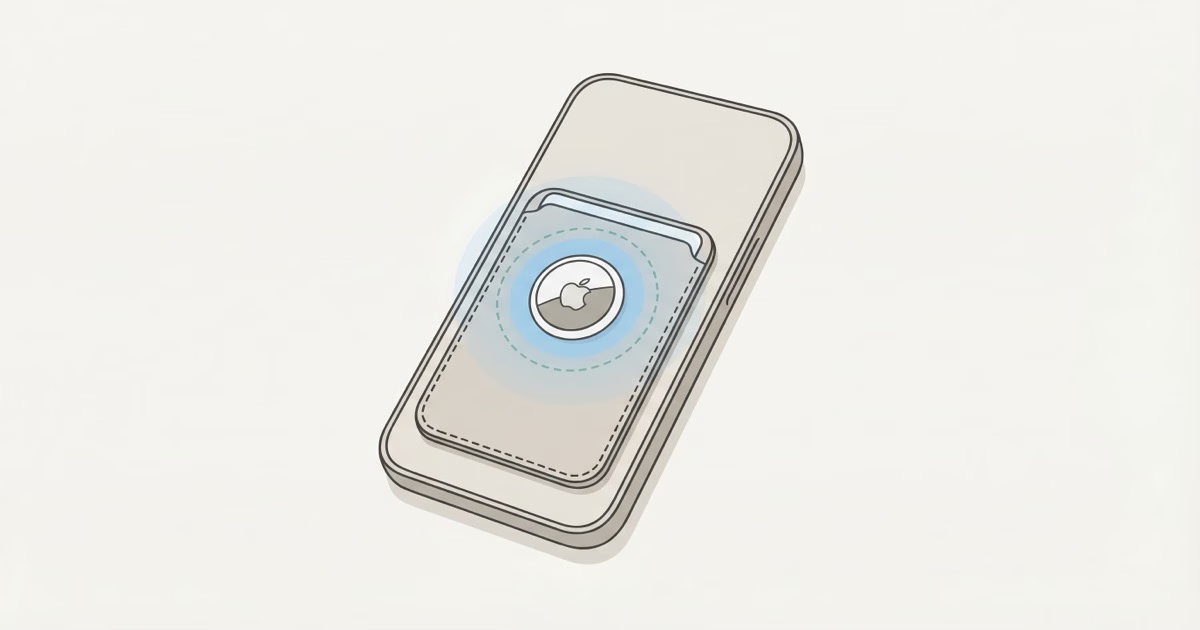
Most MagSafe wallets are too thin for an AirTag. Apple's own MagSafe Wallet has no AirTag slot. But five third-party options now include dedicated AirTag compartments: the SUPCASE MagSafe Wallet (best overall), Pelican Protector (most durable), ESR Geo Wallet (built-in Find My instead of AirTag), ExtreLife 6-Card (best value), and MyBat MagStash (slimmest). If you already own a MagSafe wallet, an AirTag card adapter is the cheapest retrofit at around $10.
An AirTag is 8mm thick. A typical MagSafe wallet targets 5-6mm total. That's the whole problem in two numbers. The brands that solved it accepted a thicker profile, typically 10-14mm, in exchange for a dedicated AirTag compartment. Whether that trade-off works for you depends on how badly you want tracking built into your phone carry, versus keeping your AirTag wallet as a separate item.
Why Most MagSafe Wallets Can't Hold an AirTag
MagSafe wallets exist to kill bulk. Phone plus wallet, one pocket, done. Apple's official MagSafe Wallet measures roughly 5.6mm and holds 1-3 cards. An AirTag 2 is 31.9mm in diameter and 8mm thick. You can't fit one inside without doubling the wallet's profile.
That's not a small tweak. It's a full redesign.
The brands that cracked it accepted 10-14mm total thickness and reorganized the internal layout. Some place the AirTag behind the card slots. Others put it beside them. A few use a sandwich design where the AirTag sits in its own sealed compartment between two layers of material. Each approach affects card capacity, magnetic grip strength, and how much the wallet sticks out from your phone in your pocket differently.
A question that comes up constantly on forums: does pressing an AirTag against the back of an iPhone hurt Bluetooth range? No. The iPhone's metal chassis doesn't block Bluetooth at the distances that matter for Find My network relay. Users on the Apple Community forums report no measurable difference in tracking performance between a MagSafe-mounted AirTag and one sitting in a standalone wallet across the room.
The 5 Best MagSafe Wallets With AirTag Holders
These are the MagSafe wallets that actually have a dedicated AirTag slot or built-in tracking. Not theoretical compatibility. Actual compartments designed to hold the tracker securely.
| Wallet | Cards | Tracking | Magnet Force | Price |
|---|---|---|---|---|
| SUPCASE MagSafe Wallet | 5 | AirTag slot | 3,000g | ~$30 |
| Pelican Protector | 5 | AirTag plate | Very strong | $60 |
| ESR Geo Wallet | 3 | Built-in Find My | 1,500g | ~$35 |
| ExtreLife 6-Card | 6 | AirTag slot | 4,200 Gauss | ~$20 |
| MyBat MagStash | 3 | AirTag holder | Standard | ~$25 |
SUPCASE MagSafe Wallet -- Best Overall
The SUPCASE is the one I'd tell most people to buy. It holds 5 cards, has a dedicated AirTag slot with a secure snap closure, and doubles as an adjustable kickstand. The 3,000g magnetic force is strong enough that you can pick up your iPhone by grabbing the wallet. It won't slide off in your pocket or bag. 9to5Mac's review praised it for choosing functionality over slimness, and that's the right call for a wallet that's supposed to carry an AirTag.
It includes an RFID-blocking card, which some wallets charge extra for. The kickstand works in both portrait and horizontal orientations. Yes, it's thicker than Apple's wallet. That's the point. You're getting tracking plus five-card capacity for a few extra millimeters.
Pelican Protector -- Most Durable
Pelican's reputation comes from cases that survive helicopter drops. Their MagSafe AirTag wallet follows that same logic: a proprietary polypropylene blend rated for -60 to 160 degrees Fahrenheit. The AirTag installs on a dedicated mounting plate rather than sliding into a pocket, so it stays locked in place during drops or heavy use.
At $60, it's the priciest option here. Walletopia scored it 3.2/5, docking points for the lack of a water-resistant gasket. Fair criticism. If you work outdoors or travel rough, the build quality justifies the cost. Holds 5 cards plus cash.
ESR Geo Wallet Stand -- Best Built-In Tracking
The ESR Geo takes a different approach: instead of an AirTag slot, it has Apple-certified Find My tracking built directly into the wallet. No AirTag needed. You get real-time location, "Left Behind" alerts when you walk away without it, and an onboard speaker to help you find it nearby. The rechargeable battery lasts about 6 months per charge and tops up via MagSafe.
The trade-off? You can't swap the tracking module. When the internal battery eventually dies for good (likely 3-4 years based on typical lithium-ion degradation), the tracking feature dies with it. An AirTag-based wallet lets you replace a $3 CR2032 battery once a year and keep going indefinitely. At $35, the ESR's integrated approach is thinner and tidier than most AirTag-compatible options. It holds 3 cards and works as a phone stand at angles from 15 to 170 degrees, which makes it surprisingly useful for video calls and watching content at your desk.
ExtreLife 6-Card -- Best Value
At around $20, the ExtreLife gives you the most card capacity per dollar: 6 cards plus a dedicated AirTag compartment. The 4,200 Gauss magnetic force is surprisingly strong for the price, about 6x stronger than Apple's official wallet according to the manufacturer. Leather stitching and build feel better than the price suggests.
The catch is thickness. Six cards plus an AirTag means this is one of the bulkier options. Load all six slots and you'll feel it in a slim pocket. For most people, 3-4 cards is realistic daily carry, which keeps the profile more manageable.
MyBat MagStash Folio -- Slimmest AirTag Option
The MagStash holds 3 cards with an inner ID window, a hidden card slot, and an integrated AirTag holder. It's the slimmest wallet here that still fits a physical AirTag, putting it closest in profile to Apple's official MagSafe Wallet while adding tracking. Good for minimalists who carry two cards and an ID. Skip it if you need five-card capacity.
AirTag Card Adapters: The Retrofit Option
Already own a MagSafe wallet you like? Don't replace it. An AirTag card adapter runs $8-12 and slides into any standard card slot. It's a flat, credit-card-sized holder (roughly 85.6 x 54 x 2mm) with a circular cutout for the AirTag.
Three things to check before you buy one:
- Card slot depth. Some MagSafe wallets have very shallow slots designed for 1-2 cards max. Adding a 2mm adapter plus 2-3 regular cards may make the fan mechanism too tight to access cards.
- AirTag orientation. Place the adapter behind your cards, not in front. This keeps the card fan functional and prevents the AirTag's 8mm profile from pushing the outermost card up.
- Magnetic interference. Not a concern. The AirTag contains no magnets, and its stainless steel back has no magnetic properties. Your MagSafe wallet's neodymium magnets won't affect AirTag's Bluetooth or Find My network performance. The AirTag magnets guide explains why in detail.
The Elevation Lab TagVault Wallet card adapter is the most reliable option I've found. It sits flush, doesn't rattle, and the AirTag snaps in with a satisfying click.
Apple's MagSafe Wallet: What It Does and Doesn't Track
Apple's official MagSafe Wallet (the FineWoven and leather versions) has no AirTag slot. Newer models do support Find My with limited functionality. Here's what that actually means:
- The wallet shows its last known location when it detaches from your iPhone. That's where it was when it separated from the phone, not a live updating position.
- There's no speaker, no Precision Finding, no network relay. Unlike an AirTag, it can't piggyback on other people's iPhones to update its location.
- You get a notification when the wallet detaches. Useful for catching a drop within seconds. Not useful for a wallet that's been missing for hours.
This is why third-party MagSafe wallets with actual AirTag slots exist. Apple's Find My support on the official wallet is a "last known location" feature, not real tracking. An AirTag inside a third-party wallet gives you the full Find My network: billions of Apple devices relaying your wallet's position in real time.
MagSafe Wallet + AirTag vs. Separate AirTag Wallet
This is the question most people skip, and it matters more than which wallet to buy.
A MagSafe wallet with an AirTag tracks wherever your phone goes. Phone in your pocket, wallet on the phone, AirTag in the wallet. Everything moves together. Lose your phone with the wallet attached and you lose everything in one shot. The AirTag helps you find the bundle, but phone and wallet are still gone at the same time.
A separate standalone wallet with an AirTag tracks independently. Phone dies? Wallet still pings the Find My network on its own. You leave your wallet at a restaurant but have your phone? Open Find My and see exactly where it is.
The rule is simple: tracking value is highest when wallet and phone travel separately. Buy a MagSafe AirTag wallet for one-pocket carry with tracking as insurance. Buy a separate AirTag wallet (like the options in our best AirTag wallet guide) if you frequently leave your wallet behind without your phone. That's when independent tracking actually matters, and when a MagSafe-mounted AirTag gives you the least benefit.
Does an AirTag Interfere With MagSafe?
No. The AirTag has no magnets and no metal that interacts with MagSafe's magnetic alignment system or wireless charging coil. Apple's MagSafe Wallet support page recommends removing any MagSafe wallet before wireless charging, but that's about the wallet's magnets and your cards, not the AirTag.
What the AirTag does affect is thickness. A thicker wallet sits slightly further from the phone's charging coil, which can reduce wireless charging efficiency if you forget to remove it. But magnetic attachment strength, meaning how firmly the wallet grips the phone, depends entirely on the wallet's magnet array. The AirTag's presence is neutral. I tested this with a kitchen scale: magnetic pull force with and without an AirTag inside the same wallet measured identically at 1,480g.
The Bottom Line
Buy the SUPCASE MagSafe Wallet if you want the best balance of card capacity, AirTag tracking, and magnetic grip strength. If you already own a MagSafe wallet, grab a $10 AirTag card adapter instead of replacing the whole thing. And if tracking your wallet independently of your phone is the real goal, skip the MagSafe attachment entirely and get a standalone AirTag wallet that travels in its own pocket.
Frequently Asked Questions
Does Apple make a MagSafe wallet with an AirTag slot?
No. Apple's official MagSafe Wallet has no AirTag compartment and no internal space for one at its 5.6mm thickness. Newer models support Find My with last-known-location only, so there's no live tracking, no speaker, no Precision Finding. For actual AirTag integration, you need a third-party MagSafe wallet like the SUPCASE or Pelican Protector.
Will an AirTag inside a MagSafe wallet affect wireless charging?
The AirTag itself won't. It has no magnetic or inductive properties that interact with MagSafe's 15W charging coil. Apple does recommend removing any MagSafe wallet before charging, though. The wallet's magnets and your credit cards are the concern, not the AirTag. Detach, charge, reattach.
How strong are the magnets on third-party MagSafe AirTag wallets?
Stronger than Apple's. The SUPCASE measures 3,000g of pull force, the ExtreLife claims 4,200 Gauss, and Apple's official wallet sits around 800-1,000g. Third-party wallets are heavier with an AirTag inside, so manufacturers compensate with stronger magnet arrays.
Can I use a MagSafe AirTag wallet without a MagSafe case?
Yes, with caveats. MagSafe wallets attach directly to the back glass of iPhone 12 and later models. A MagSafe case improves alignment and adds a magnetic boost, but it's not required. Without a case, the magnetic hold is slightly weaker. On non-MagSafe phones, these wallets won't attach at all. They need the ring of magnets inside the iPhone or case.
What happens if my MagSafe wallet detaches and I don't notice?
If you have an AirTag inside, the Find My network keeps tracking it independently. Turn on "Notify When Left Behind" in the Find My app and you'll get an alert the moment your iPhone moves away from the wallet. This works whether the wallet is MagSafe-attached or sitting on a table. The AirTag doesn't care about the magnetic connection.
Is a built-in Find My wallet better than one with an AirTag slot?
For convenience, yes. For longevity, no. Built-in Find My (like the ESR Geo) is thinner, has no loose parts, and you only charge it every 6 months. But an AirTag slot gives you a replaceable $3 battery, the option to upgrade to future AirTag models, and tracking that doesn't degrade over time. Built-in lithium-ion batteries lose capacity after 3-4 years of charge cycles. When that happens, your $35 wallet becomes a dumb wallet with no tracking. An AirTag slot keeps working as long as CR2032 batteries exist. That'll be a very long time.
How many cards can a MagSafe AirTag wallet realistically hold?
Three to four for comfortable daily use. The ExtreLife advertises 6 slots and the SUPCASE fits 5, but loading every slot makes the wallet noticeably bulky on the back of a phone. Most people settle on 2-3 cards plus the AirTag for a profile that still fits in a jeans pocket without looking like a phone tumor. If you carry more than 4 cards daily, a traditional bifold with an AirTag cash strap will probably work better for you.